Lead Management
Master your lead management process with our powerful lead tracking and conversion system.
Overview
The Lead Management module helps you capture, track, and convert leads efficiently. With integrated Facebook lead capture and advanced search capabilities, you can manage your entire lead pipeline in one place.
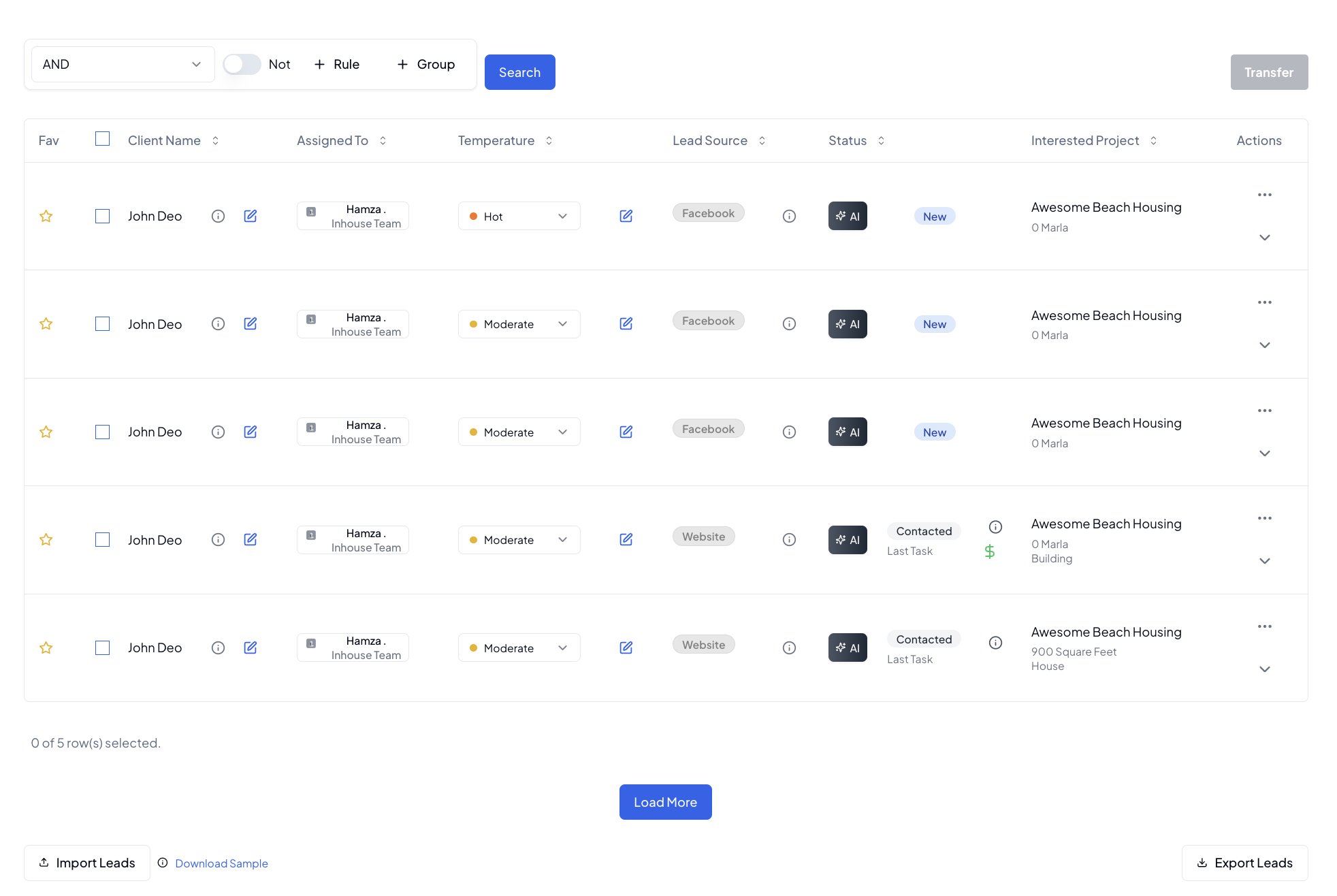
Lead Sources
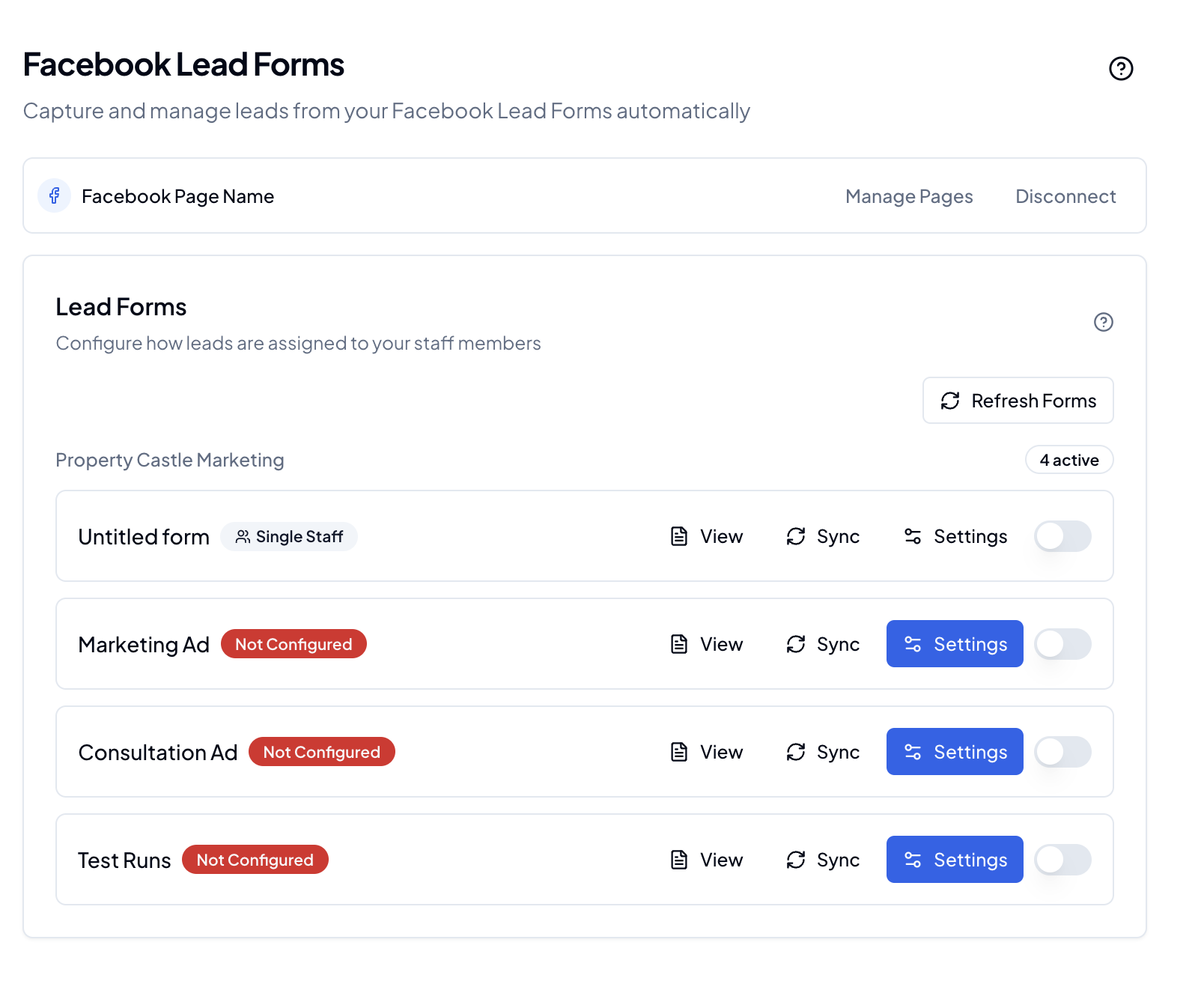
Facebook Integration
Automatically capture and process leads from Facebook:
- Direct Facebook lead form integration
- Real-time lead capture
- Automatic lead assignment
- Profile information sync
Lead Source Management
Track and manage different lead sources:
- Facebook leads
- Manual entries
- Website inquiries
- Referrals
- Custom sources
Each source includes:
- Source name
- Lead count
- Conversion rates
- Performance metrics
Lead Pipeline
Lead Status Tracking
Monitor leads through various stages:
- New/Unassigned
- In Progress
- Follow Up
- Qualified
- Won
- Lost
Lead Details
Comprehensive lead information:
- Contact details
- Source information
- Interest level
- Budget range
- Voice Notes and comments
- Communication history
Advanced Features
Lead Tokens
Generate and manage lead tokens for:
- Unique lead identification
- Tracking source effectiveness
- Campaign monitoring
- Lead authentication
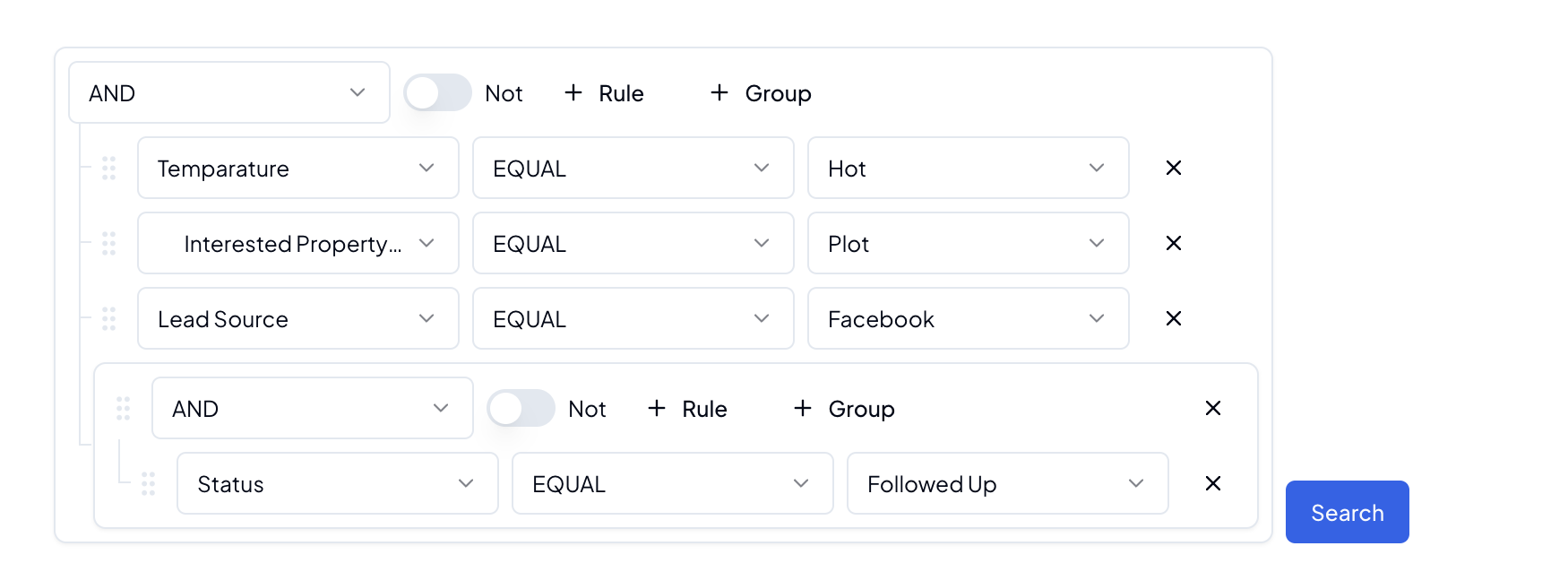
Advanced Search
Find leads using multiple criteria:
- Name/Contact information
- Status
- Date range
- Source
- Team assignment
- Custom fields
Lead Sharing
Share leads across teams:
- Assign to specific team members
- Transfer between teams
- Set Lead commission
- Track lead ownership
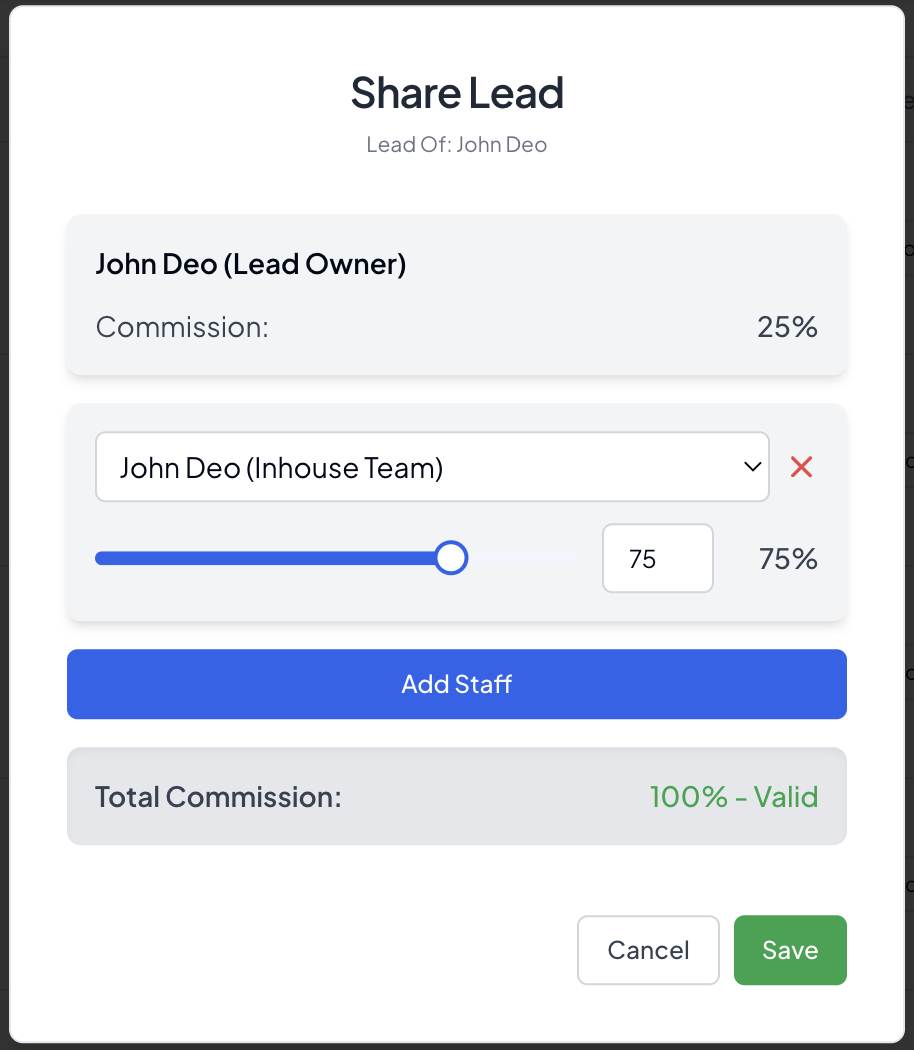
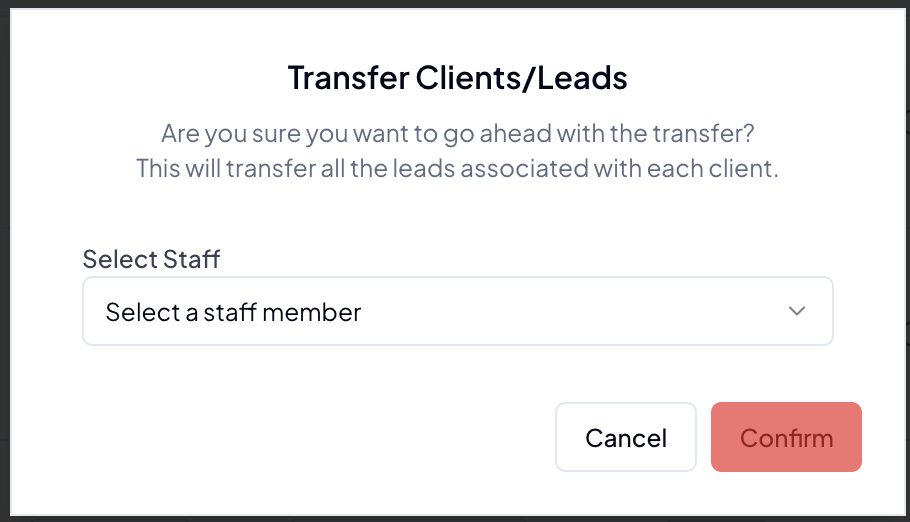
Lead Transfer
- Transfer leads to multiple staff members
- Set commission per staff member
- Automatic Assignment of Lead/Client record
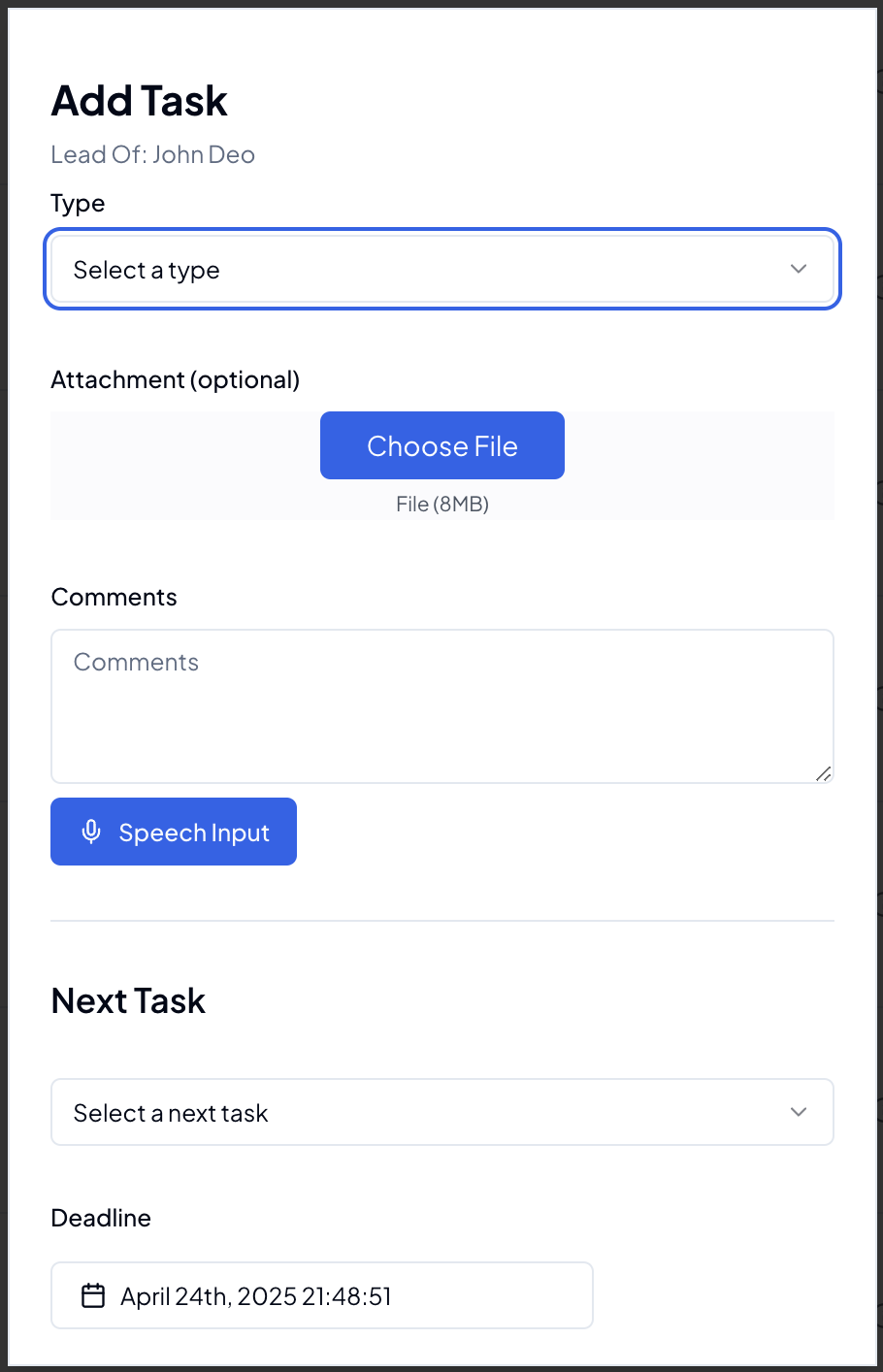
Task Management
Organize lead-related tasks:
- Create follow-up reminders
- Set task priorities
- Track completion status
- Assign to team members
- Voice-enabled comments
- Attachments
Lead Actions
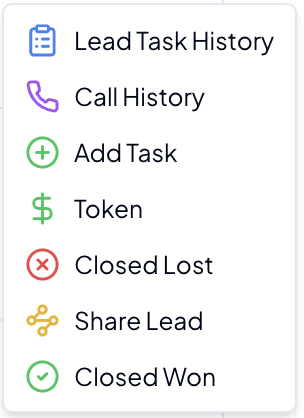
Quick Actions
- View Lead Task History
- View Mobile Call History
- Add new Task
- Add new Token
- Mark as won/lost
- Share Lead
Bulk Actions
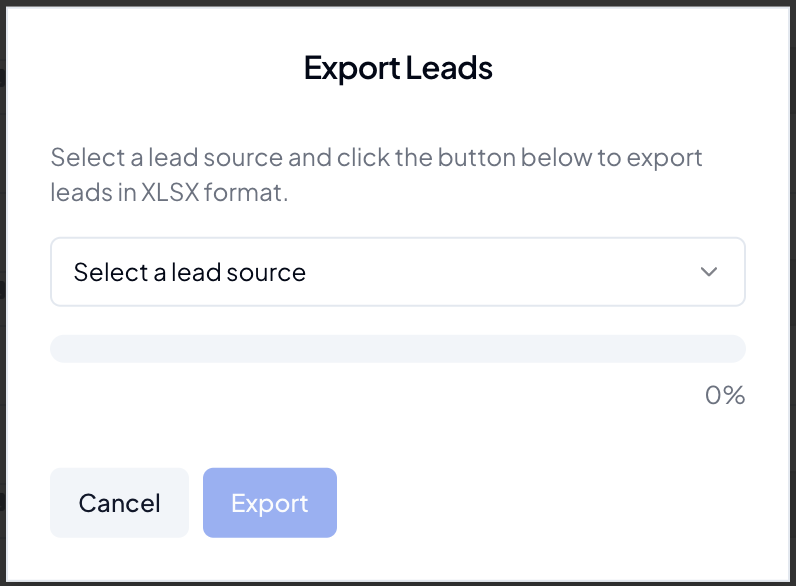
Export Leads
Export your leads data for analysis or backup:
- Choose leads source
- Download instantly
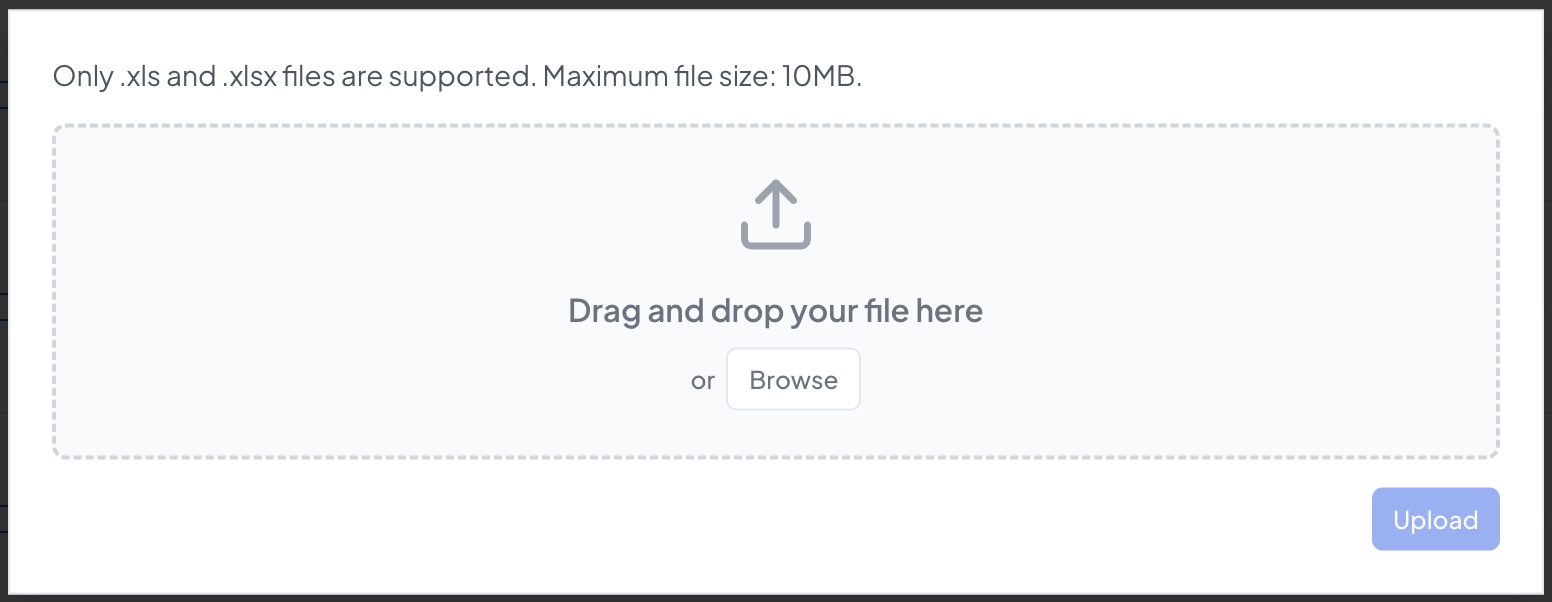
Import Leads
Easily import leads from external sources:
- Upload CSV/Excel files
- Map columns to lead fields
- Validate data before import
- Handle duplicate entries
- Assign to teams/staff members
- Track import history
💡 Pro Tip: Sample of Excel sheet is provided near the Import button in leads dashboard:
Performance Tracking
Monitor lead performance metrics in the Performance & KPIs section:
- Conversion rates
- Response times
- Team performance
- Source effectiveness
Best Practices
Lead Management
- Respond to new leads promptly
- Keep lead information updated
- Document all communications
- Follow up regularly
- Use task reminders
Lead Assignment
- Distribute leads fairly
- Consider team expertise
- Monitor response times
- Track conversion rates
Tips & Tricks
💡 Pro Tips:
- Use advanced search for lead segmentation
- Set up automated Facebook lead capture
- Regularly clean up lead database
- Utilize bulk actions for efficiency
- Enable notifications for new leads
Troubleshooting
Common issues and solutions:
-
Facebook Integration Issues
- Verify Facebook permissions
- Check integration settings
- Ensure token validity
- Contact support for connection issues
-
Lead Assignment Problems
- Check team availability
- Verify assignment rules
- Clear browser cache
- Review permissions
-
Search Issues
- Reset search filters
- Clear advanced search
- Refresh the page
- Try specific criteria
Related Guides
Note: Keep your Facebook integration settings updated to ensure continuous lead capture.