Features Guide
Discover all the powerful features available in Pantheon App. This guide covers the main features you'll use daily.
Dashboard
Your command center for daily operations:
- Recent activities feed
- Performance metrics
- Quick action buttons
- Important notifications
Key Performance Indicators (KPIs)
Track and monitor your agency's success metrics in real-time.
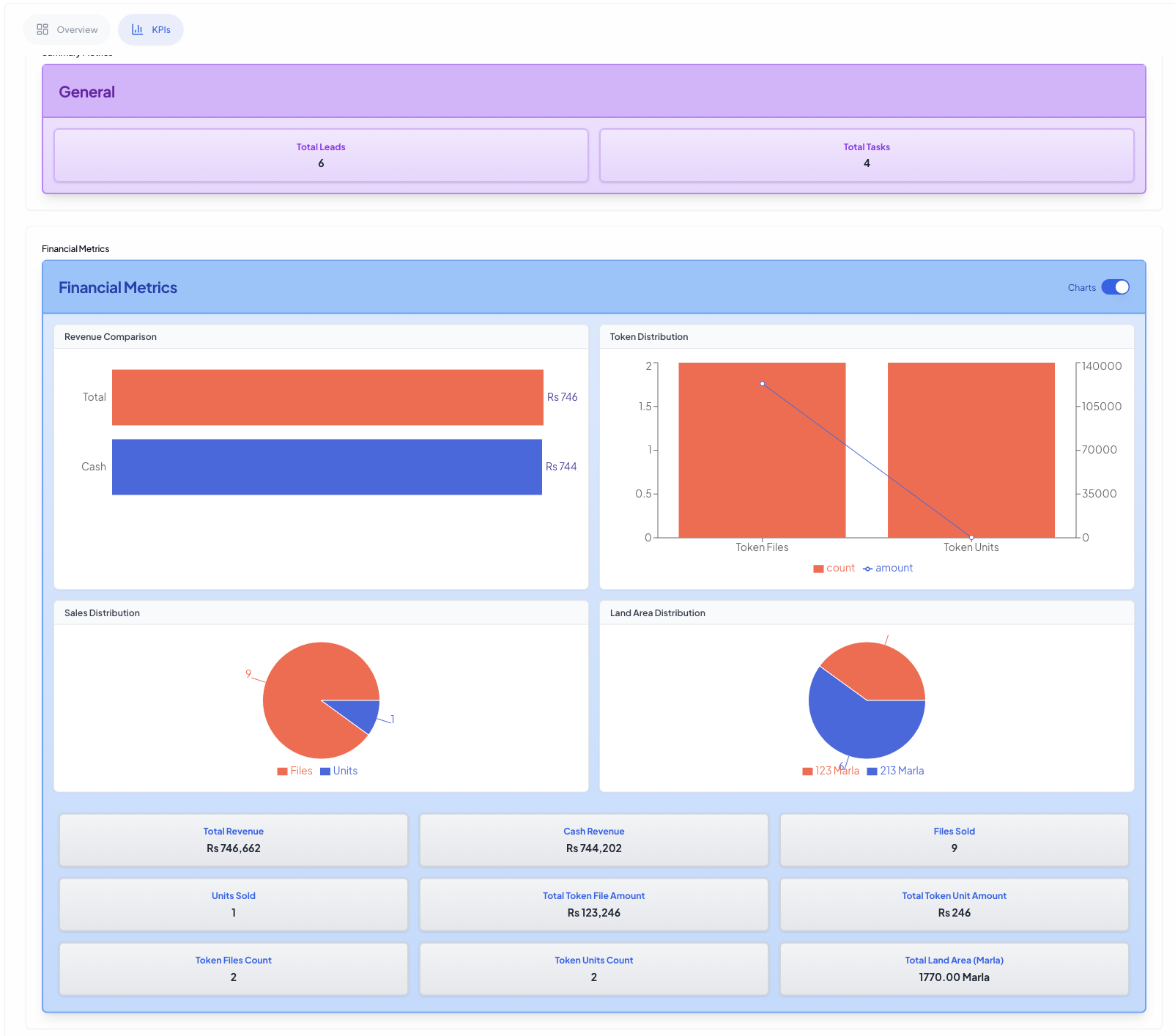
Financial Metrics
Monitor your financial performance with detailed insights:
- Revenue tracking
- Sales performance
- Conversion rates
- ROI analysis
- Budget utilization
- Revenue forecasting
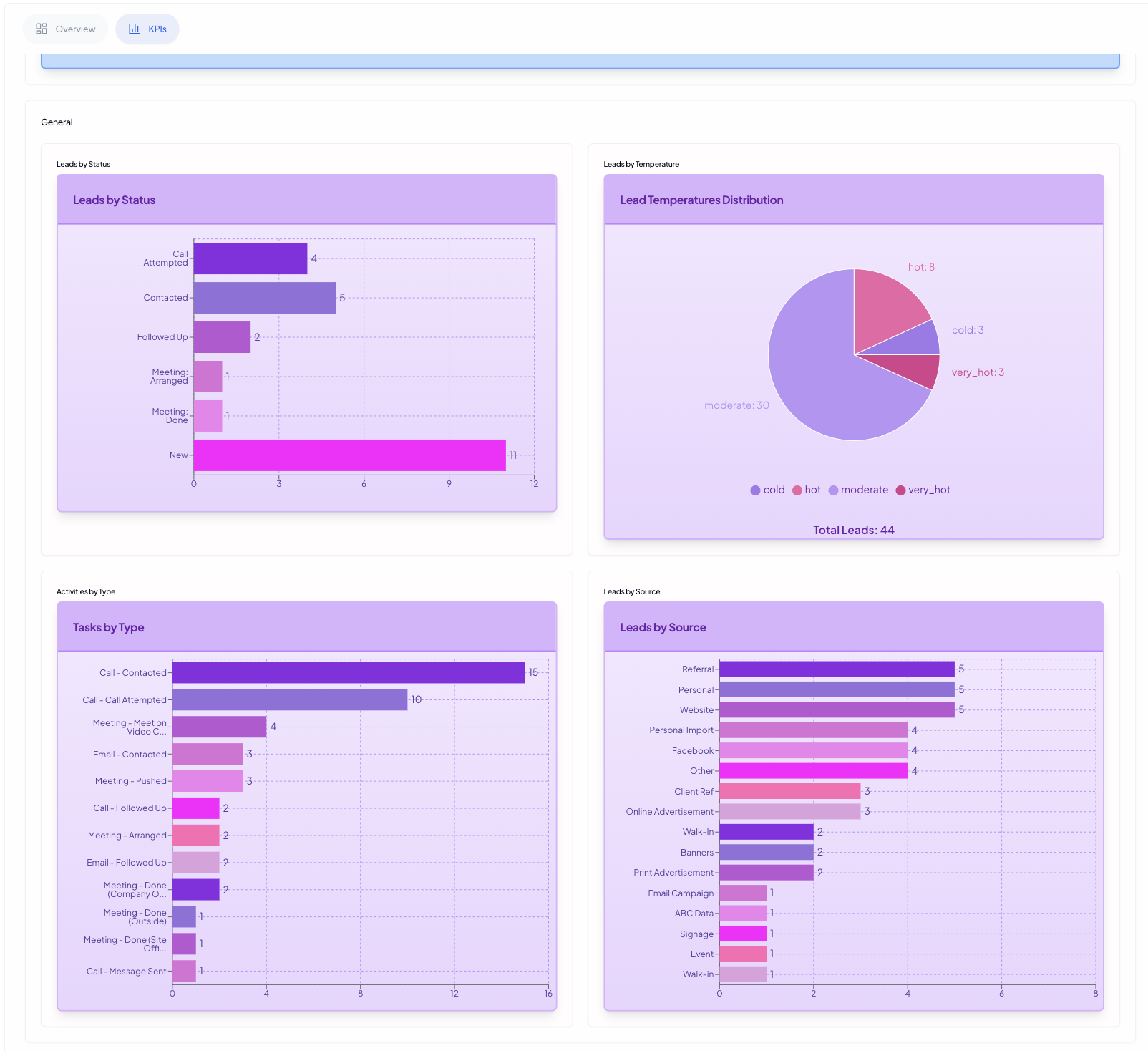
General Performance
Track overall agency and team performance:
- Lead conversion rates
- Team productivity
- Project completion rates
- Client satisfaction scores
- Response time metrics
- Resource utilization
Team Management
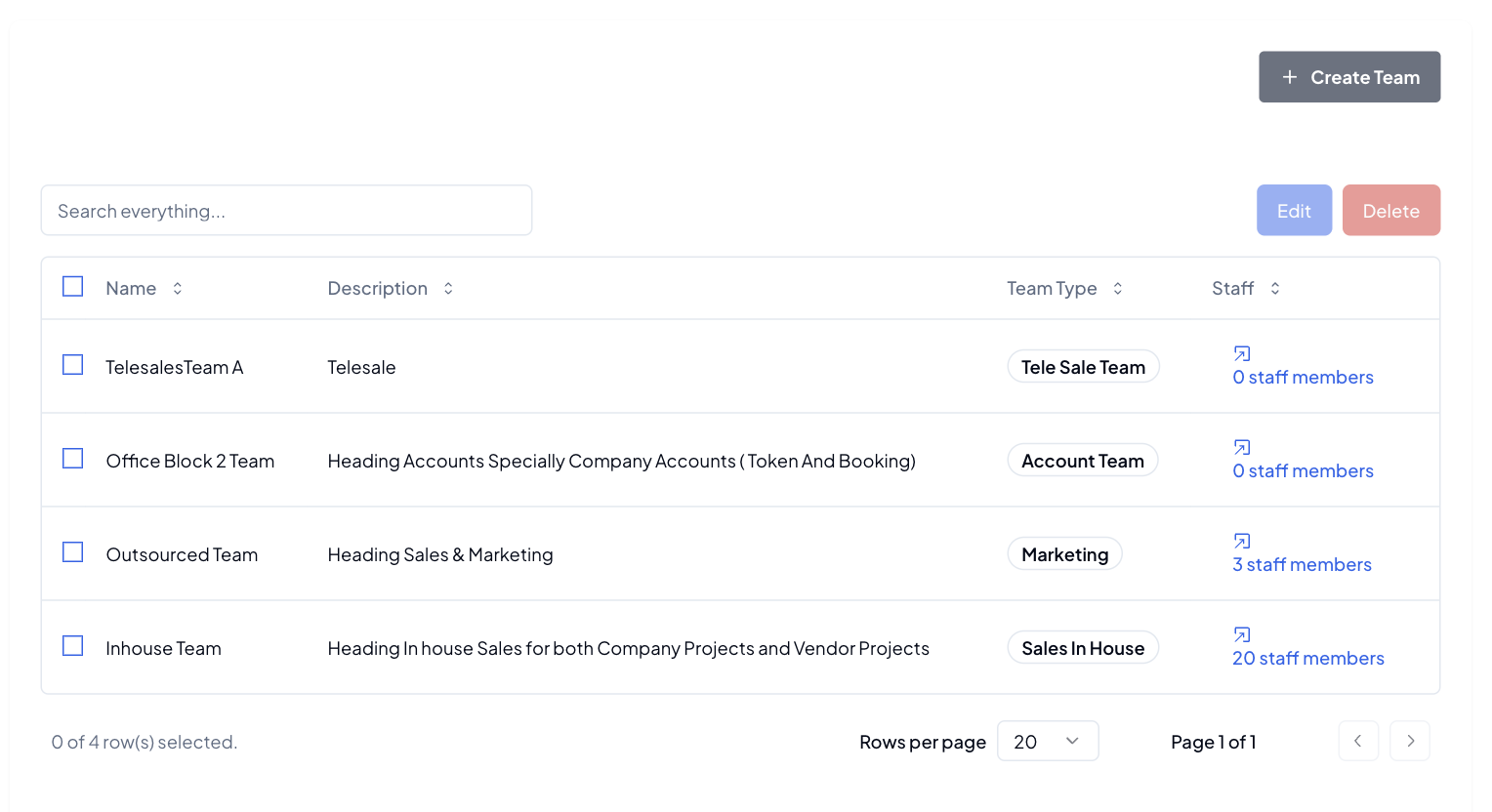
Teams
- Create and manage teams
- Track team performance
Staff Profiles
- Personal information
- Role assignments
- Status tracking
Lead Management
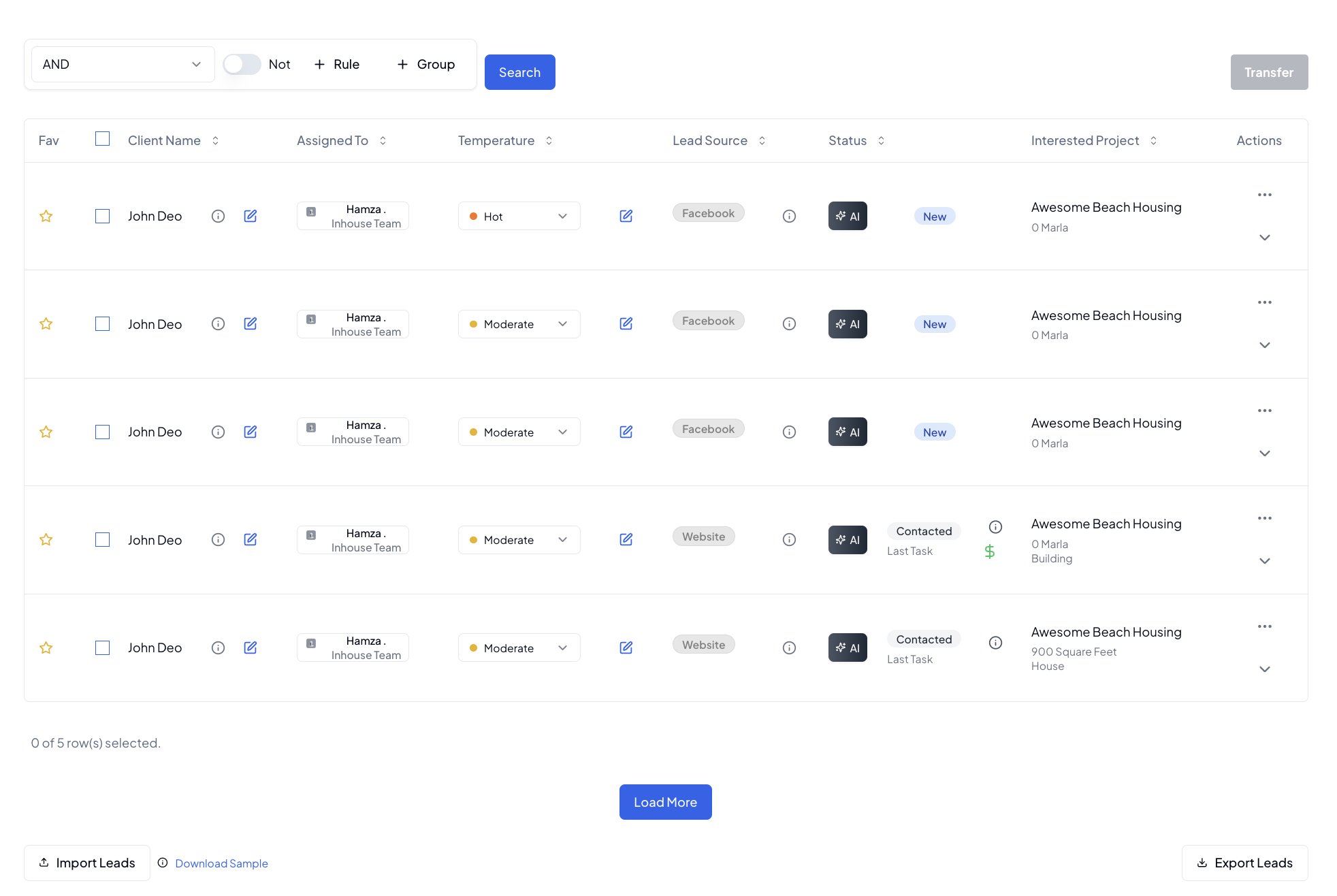
Lead Tracking
- Custom lead sources
- Lead status pipeline
- Budget tracking
- Interest categories
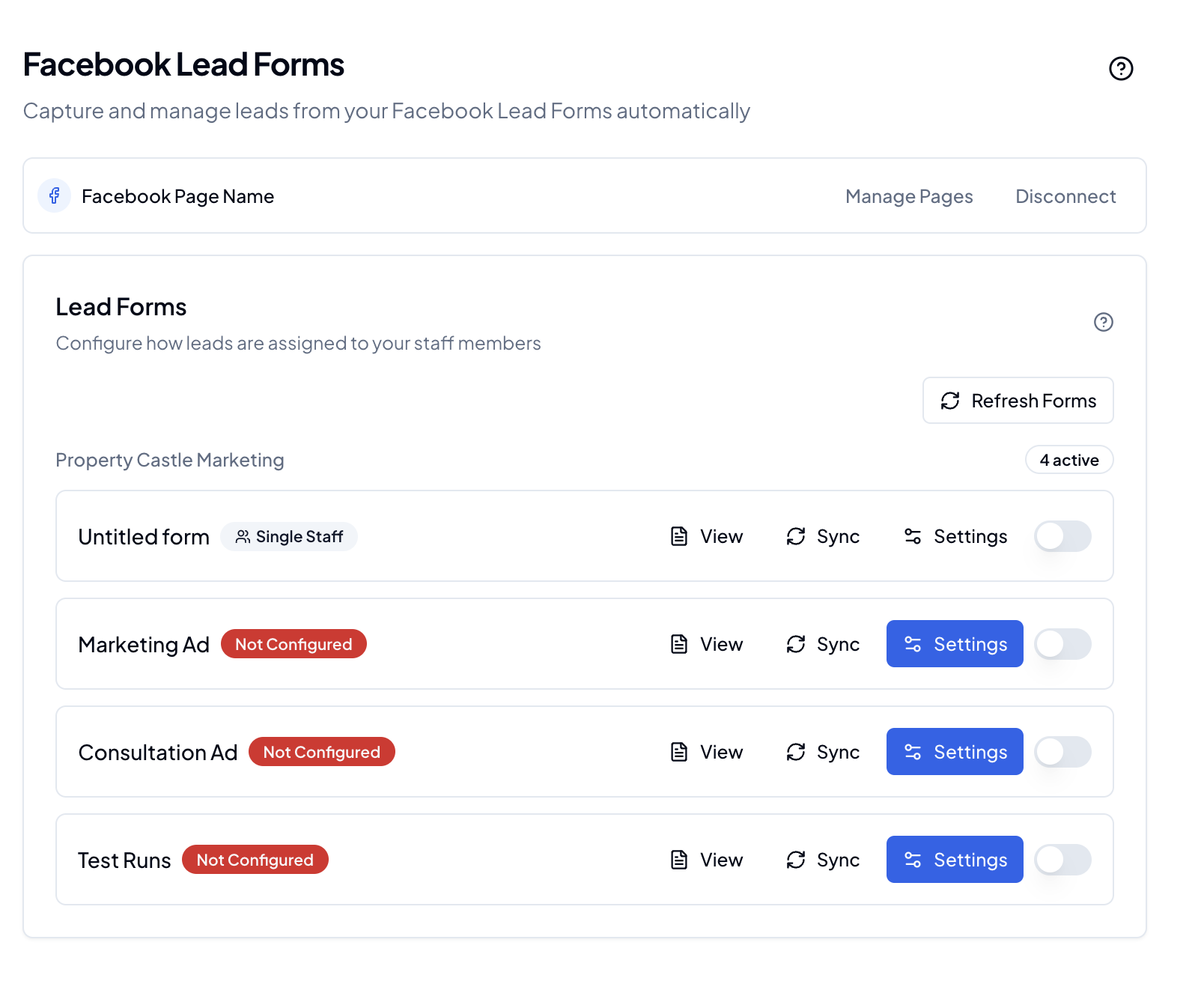
Facebook Integration
- Automatic lead capture
- Lead form sync
- Profile information import
- Lead status updates
Client Management
Client Profiles
- Contact information
- Communication history
- Project history
- Document storage
Client Interactions
- Meeting notes
- Task tracking
- Document sharing
- Status updates
Performance Tracking
Individual Performance
- KPI tracking
- Goal completion
- Activity monitoring
- Achievement records
Team Metrics
- Team targets
- Performance comparison
- Progress tracking
- Achievement highlights
Affiliate Program
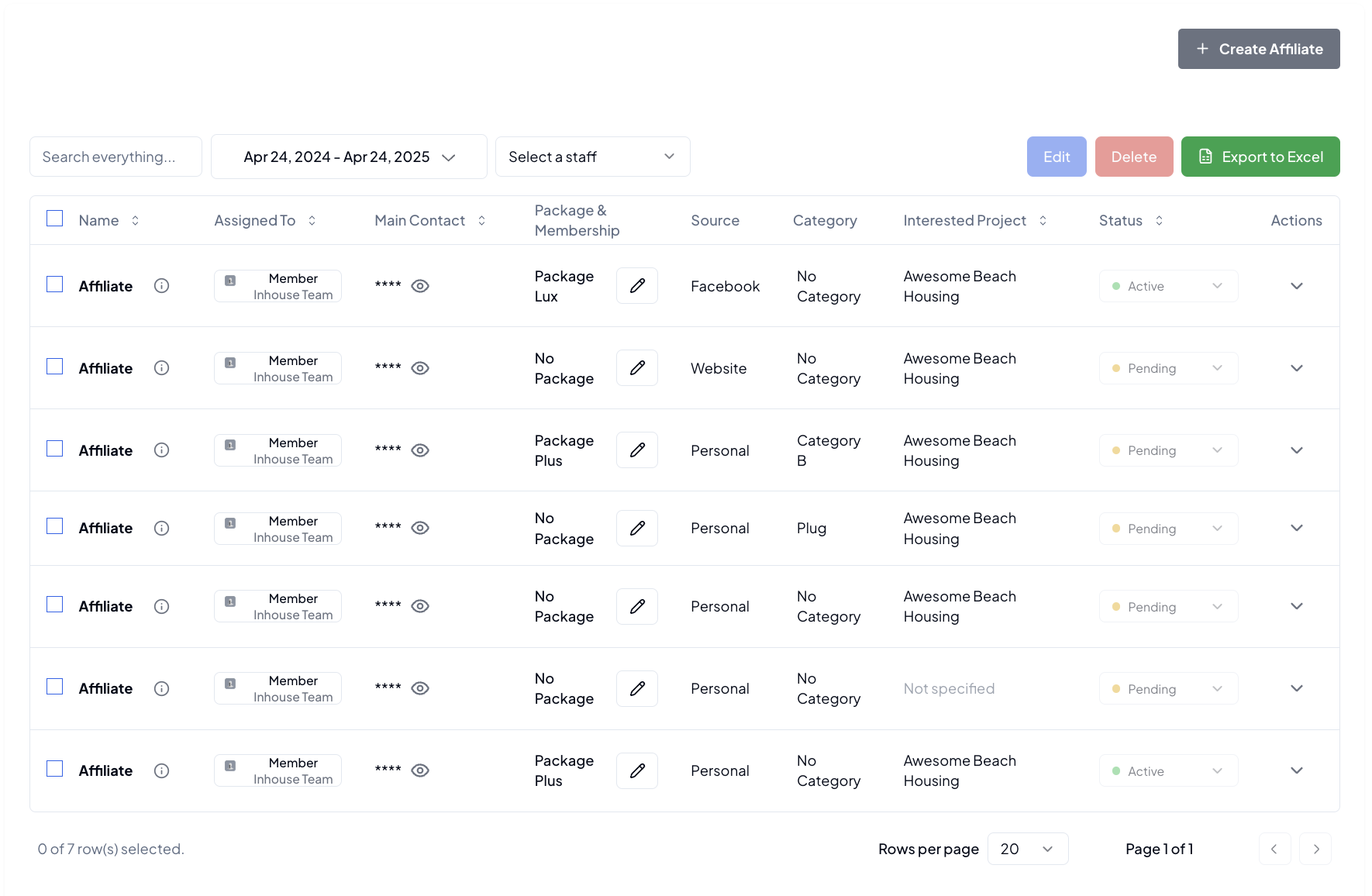
Affiliate Management
- Partner registration
- Performance tracking
- Commission management
- Payment tracking
- Export to Excel
Mobile Access
Mobile Features
- Secure PIN login
- Essential features
- Quick actions
- Real-time updates
Settings & Customization
Agency Settings
- Agency profile
- Branding options
- Contact details
- Location settings
User Settings
- Profile management
- Notification preferences
- Theme selection
- Mobile PIN setup
Notifications
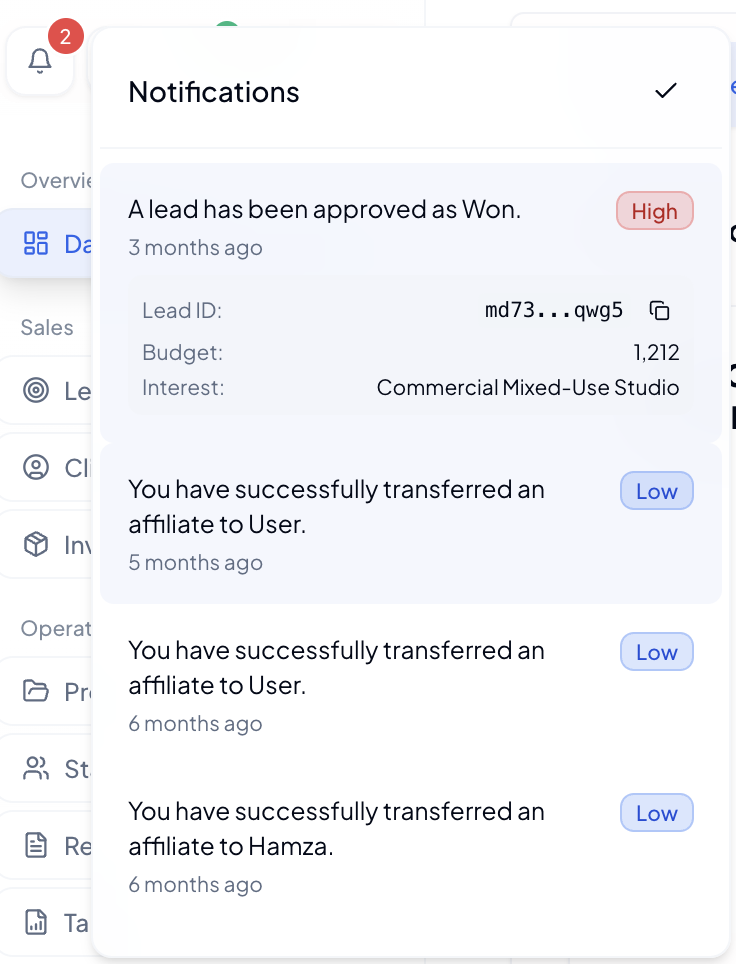
Real-time Updates
- Lead alerts
- Task assignments
- Project updates
- System notifications
Note: Feature availability may vary based on your role and permissions. Screenshots are placeholders to help visualize the interface.